NovaCEE Offline
Offline docs and developer tools in the Nova editor, for Macs without a network connection.
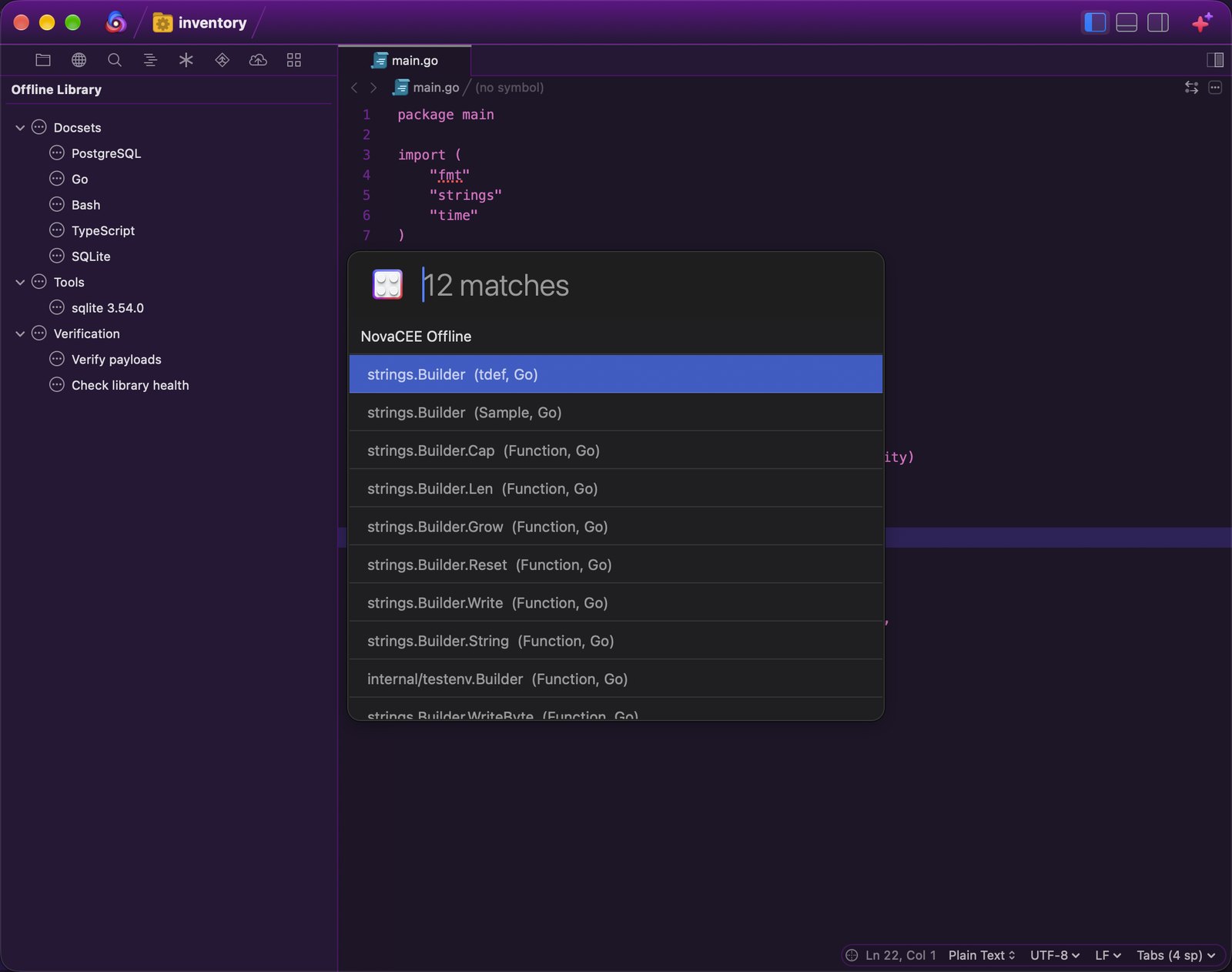
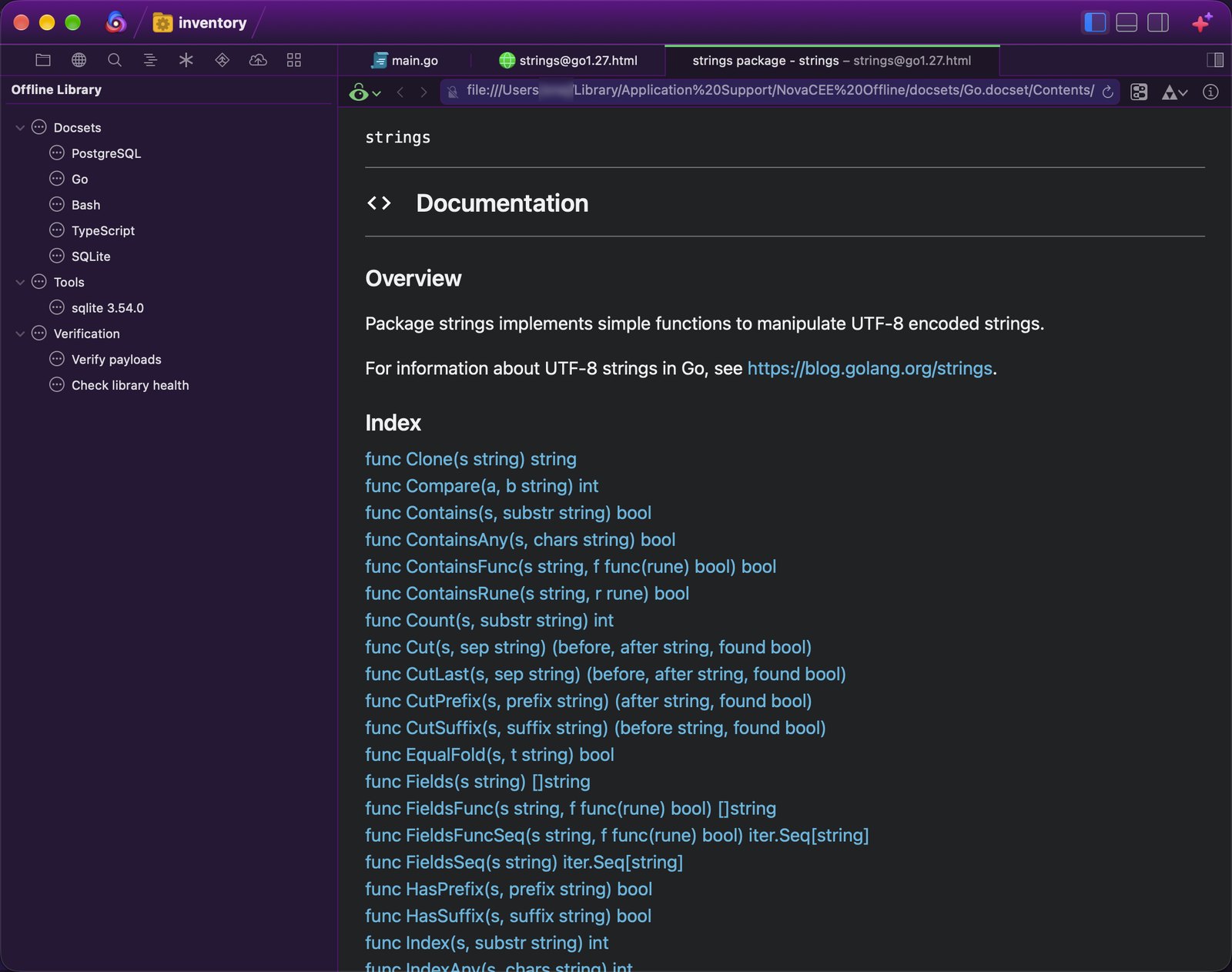
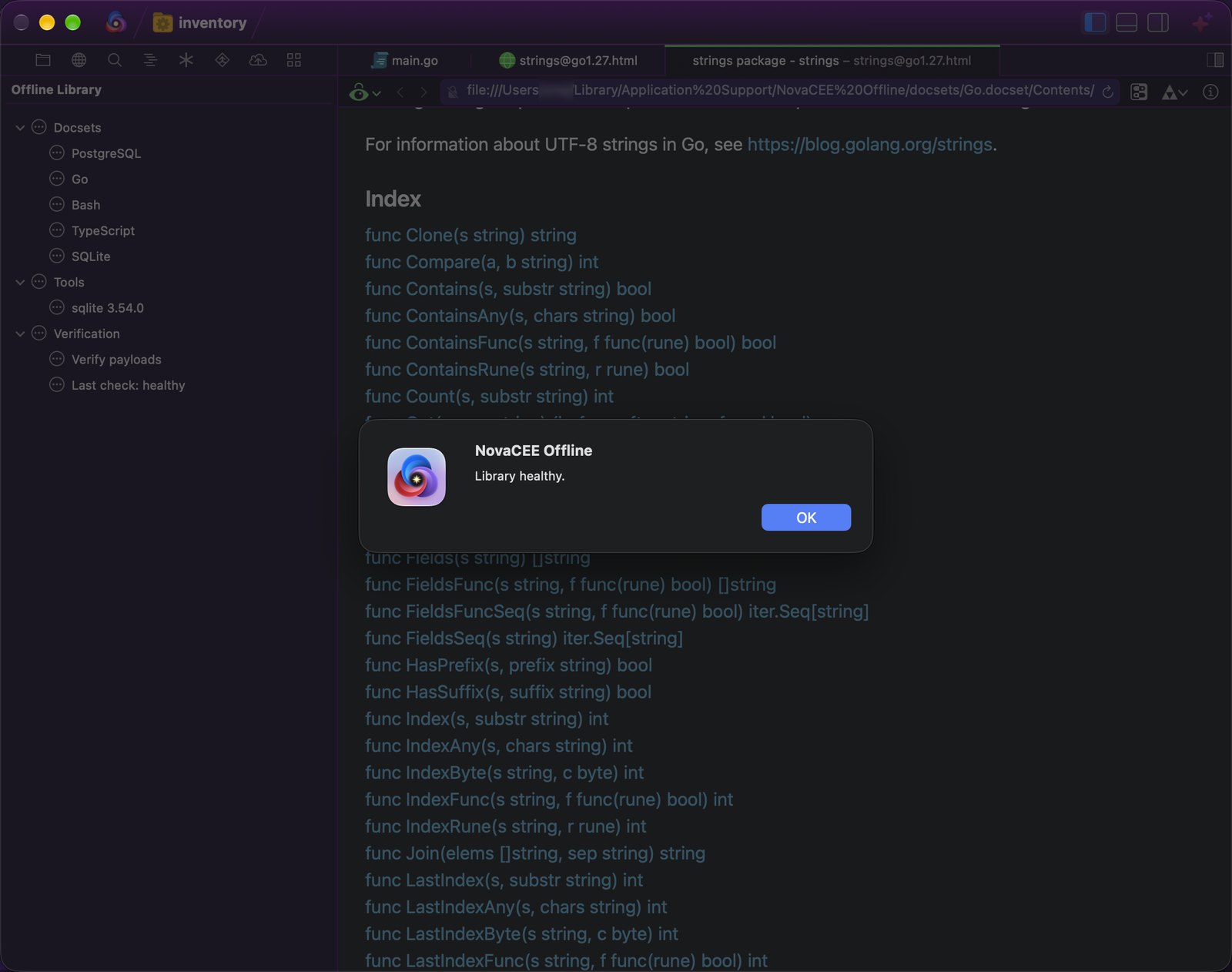
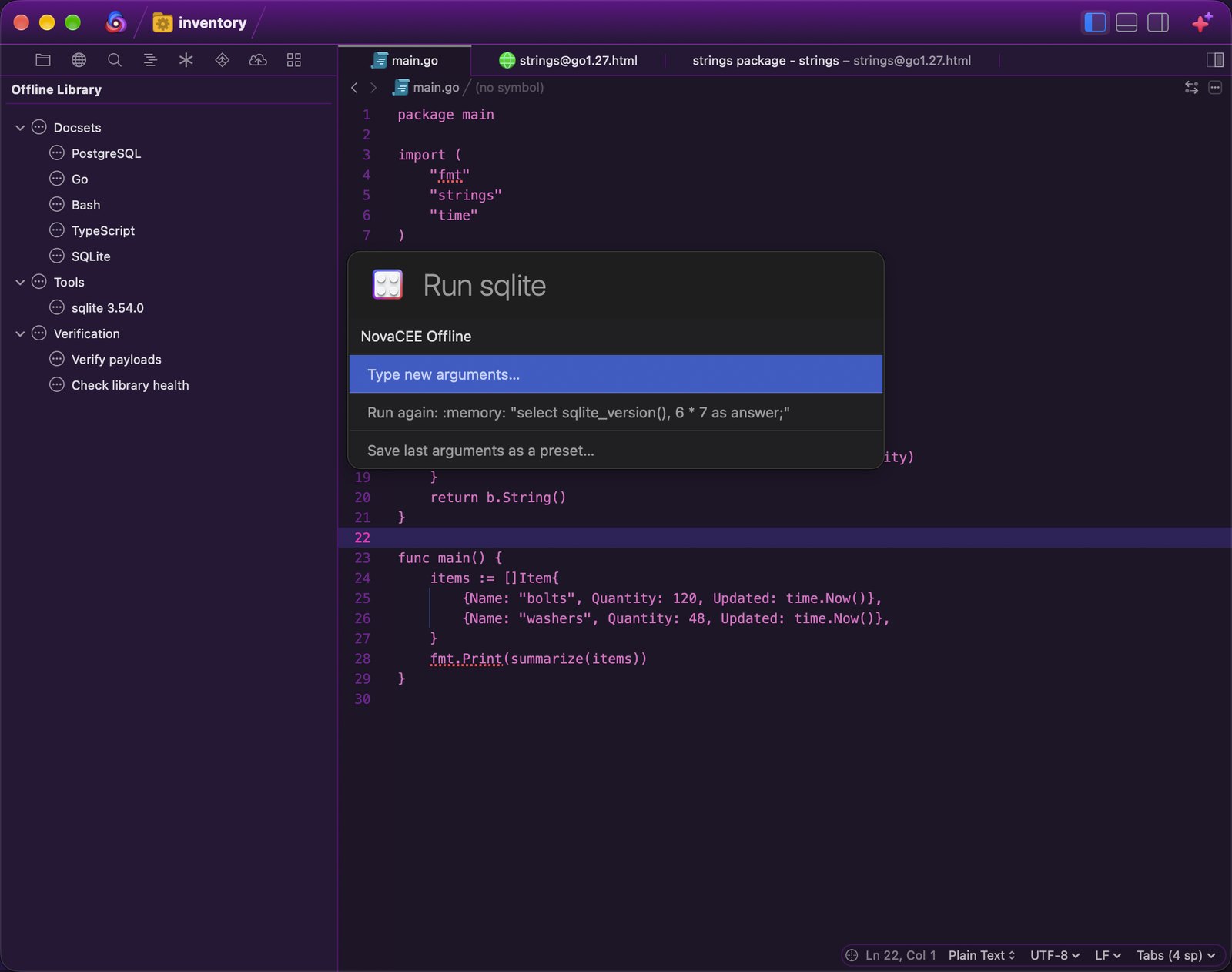
It is built for Macs that never reach the internet. You copy payloads onto the machine ahead of time: docsets, a full-text search index, and toolchains. Each payload is checked against its SHA-256 hash in a manifest before it installs, and every path in an archive is checked before it unpacks. One search, ⌘⇧D, covers every installed docset. It uses the search index when it is installed and scans each docset otherwise. Results are ranked, a type: filter keeps one kind of entry, and Look Up Symbol searches for the word under the cursor in the docsets for the document's language. You can search one docset, reinstall, update, or uninstall a payload, see how much disk each docset uses, and check the library's health: the manifest, every hash, what is not installed yet, and free space. Run Tool runs an installed toolchain with new arguments, the last arguments, or a saved preset, and checks the tool's hash before every run. The extension makes no network requests.
Transcript
NovaCEE Offline for Nova, from Swipht Group. It brings API docs and developer tools into Nova, on Macs that never go online. Copy the payloads onto the machine ahead of time. Each one is checked against its SHA-256 hash before it installs. Search every installed docset from one palette, and read the page right in Nova. Library Health checks the manifest, the hashes, and the free space. Run the tools you brought along, again with the last arguments or a saved preset, and see how much disk each docset uses. It makes no network requests. Find NovaCEE Offline in the Nova Extension Library.