COBOL
COBOL support for the Nova editor.
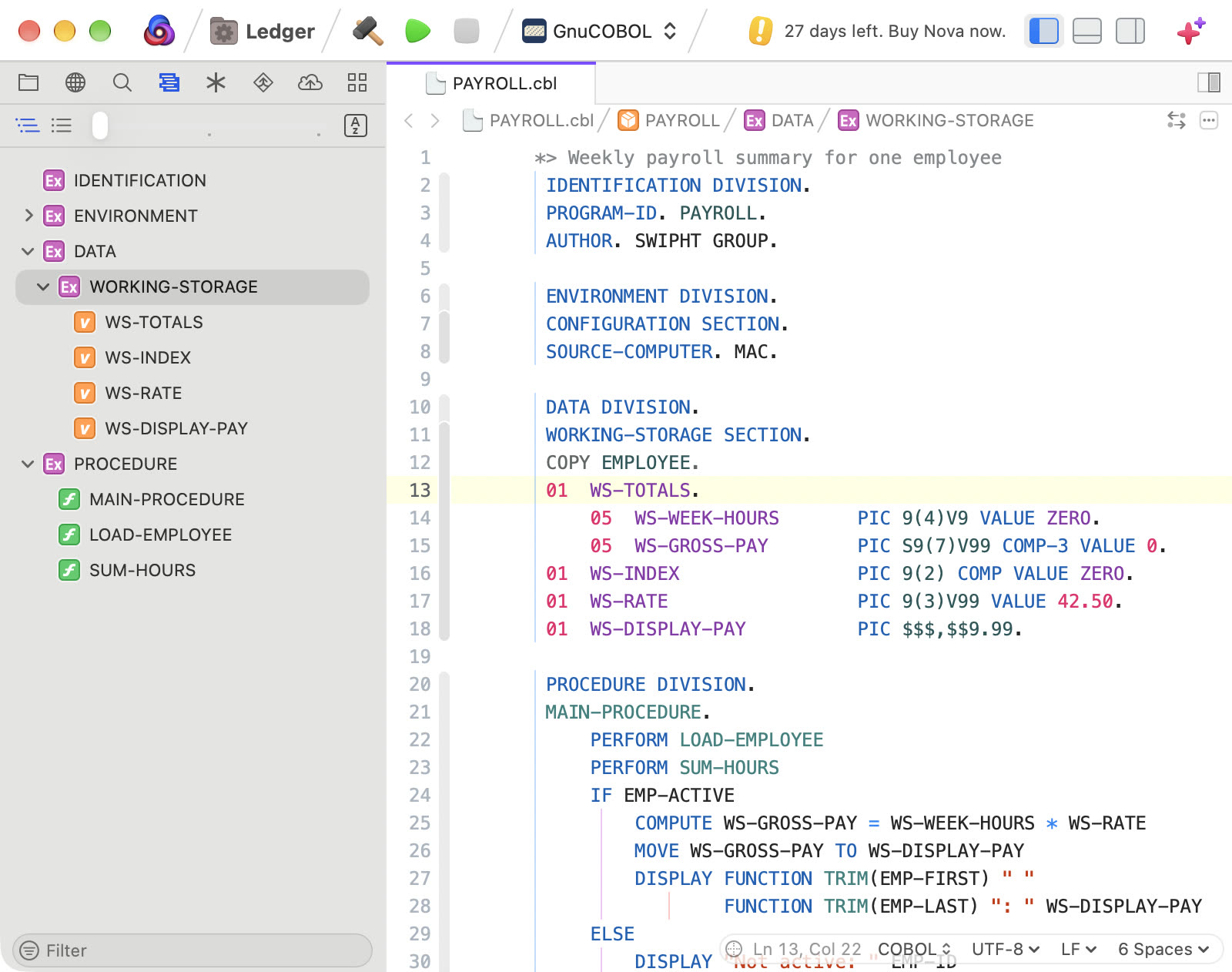
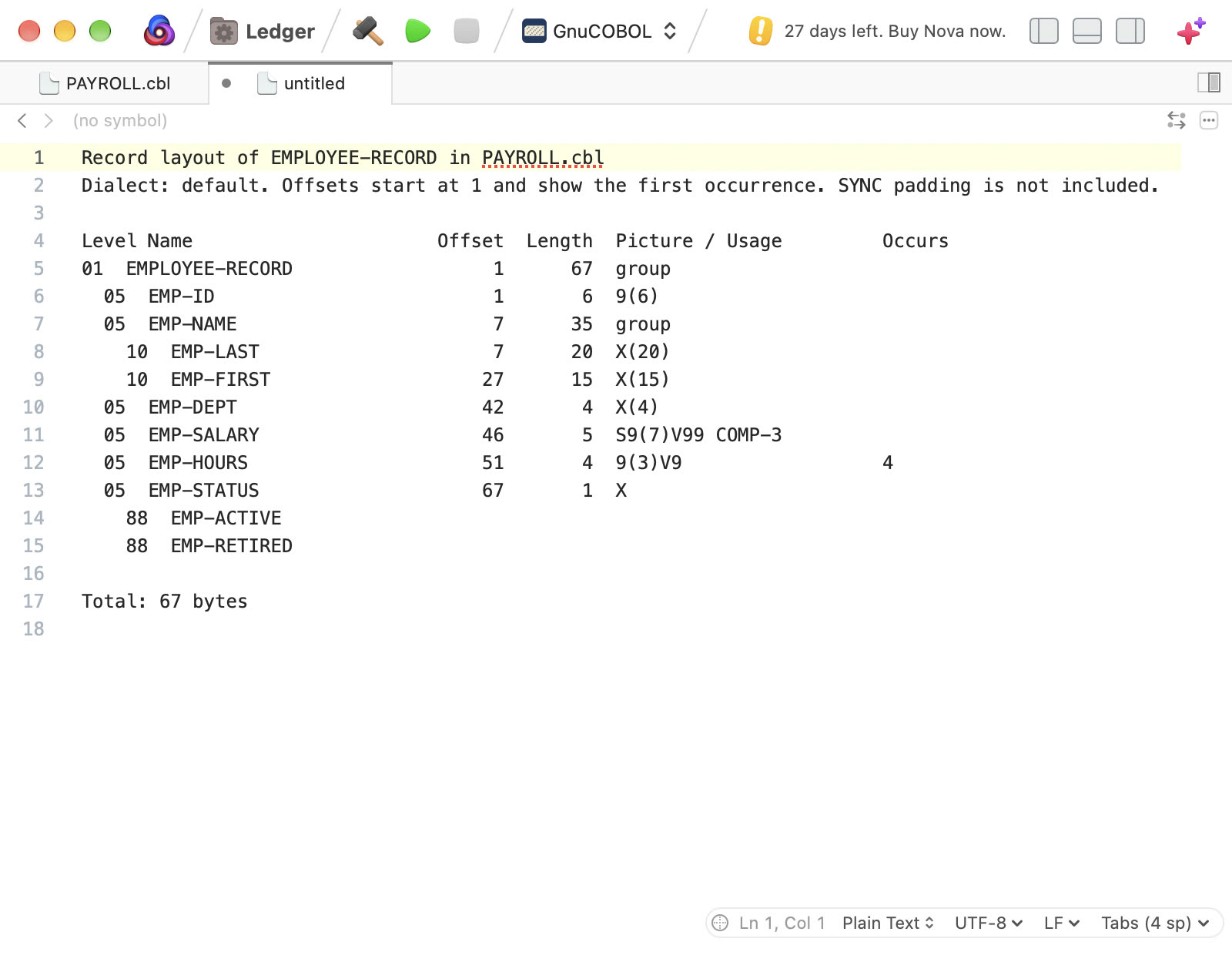
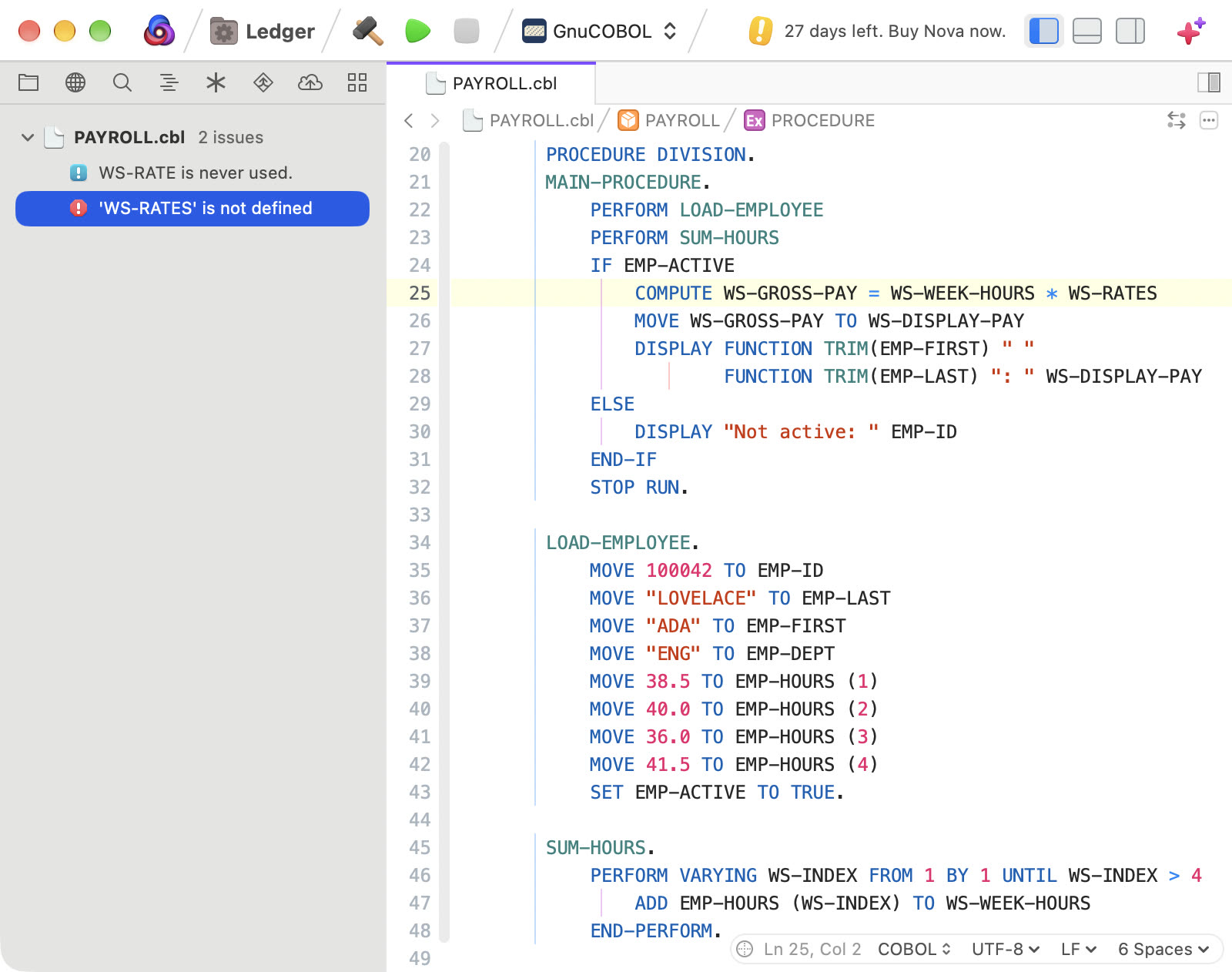
It highlights COBOL in fixed and free reference format, with SQL highlighting inside EXEC SQL blocks, and lists divisions, sections, paragraphs, files, and data items in the symbol list. Completions include the names declared in the copybooks a program copies. Go to Definition, Find References, and Rename Symbol work on data items, sections, and paragraphs, and Show Record Layout lists each field's offset, length, and picture. Commands convert between fixed and free format, align data clauses, and renumber or clear sequence areas. Saving a file runs GnuCOBOL and marks errors in the editor. A GnuCOBOL task builds, runs, and cleans the program, and a debug task runs it under lldb-dap.
Transcript
COBOL for Nova, from Swipht Group. Open a COBOL program in fixed or free format, and Nova highlights it, including embedded SQL, with a symbol list for divisions, sections, and paragraphs. Completions follow your COPY statements into copybooks. Jump to definitions, find references, rename names, and see a record's offsets and lengths. Save, and GnuCOBOL checks your code, so errors appear right in the editor. Build, run, and debug from the GnuCOBOL tasks. It needs Nova 11 or later. Find COBOL in the Nova Extension Library.